
STILLWATER / FIELD GUIDE
HUSH Looting Guide: Search Containers and Find Supplies
Last updated:
Residential furniture in HUSH can hold medical supplies, equipment, ammunition, and materials. Search the containers that match what you need, collect items into your inventory, and leave enough time to reach your exit.
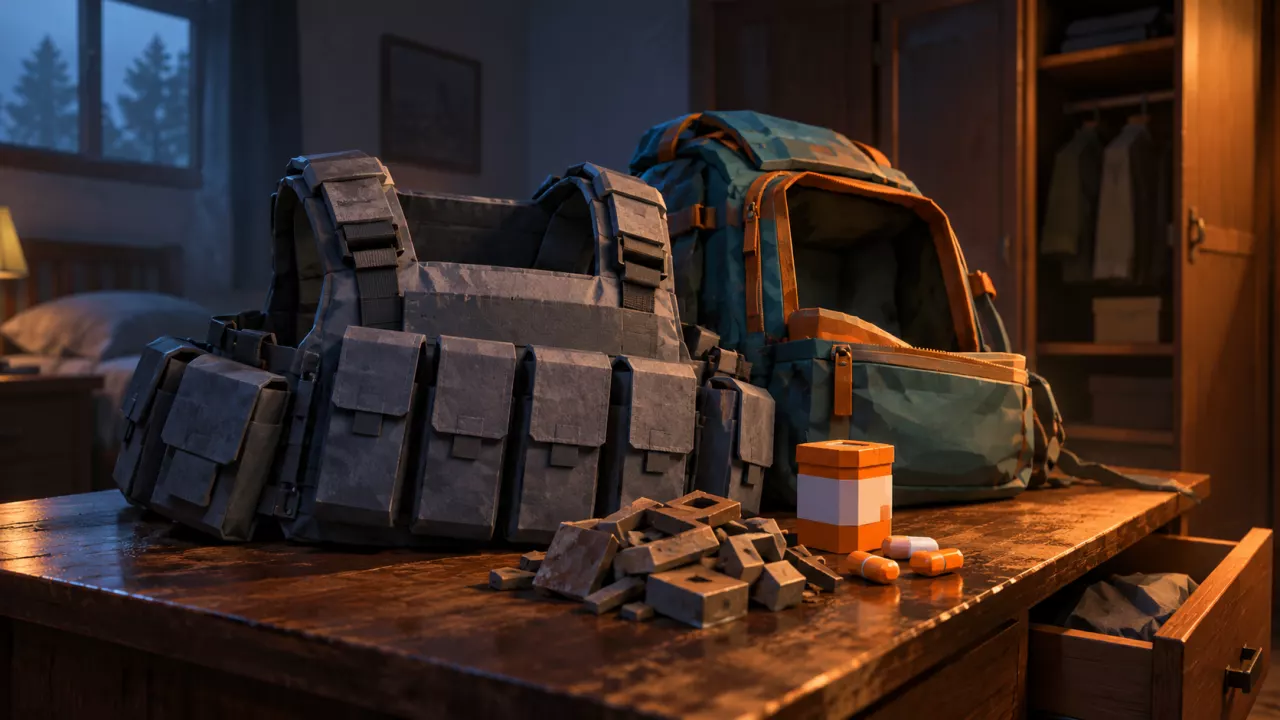
Select a container's Search action, press F, and wait for the search to finish. Take items from NEARBY by dragging or Ctrl-clicking. Check Medicine Cabinets and Desks for medical supplies, Wardrobes for equipment, and Cabinets for general supplies and ammunition. Plan further searches around your exit and remaining raid time.
Search and Collect Loot
- Approach a searchable container. Select its Search action. Doors, windows, and adjacent furniture can share the interaction list, so check the selected target before pressing a key.
- Press F and wait for the search progress to finish.
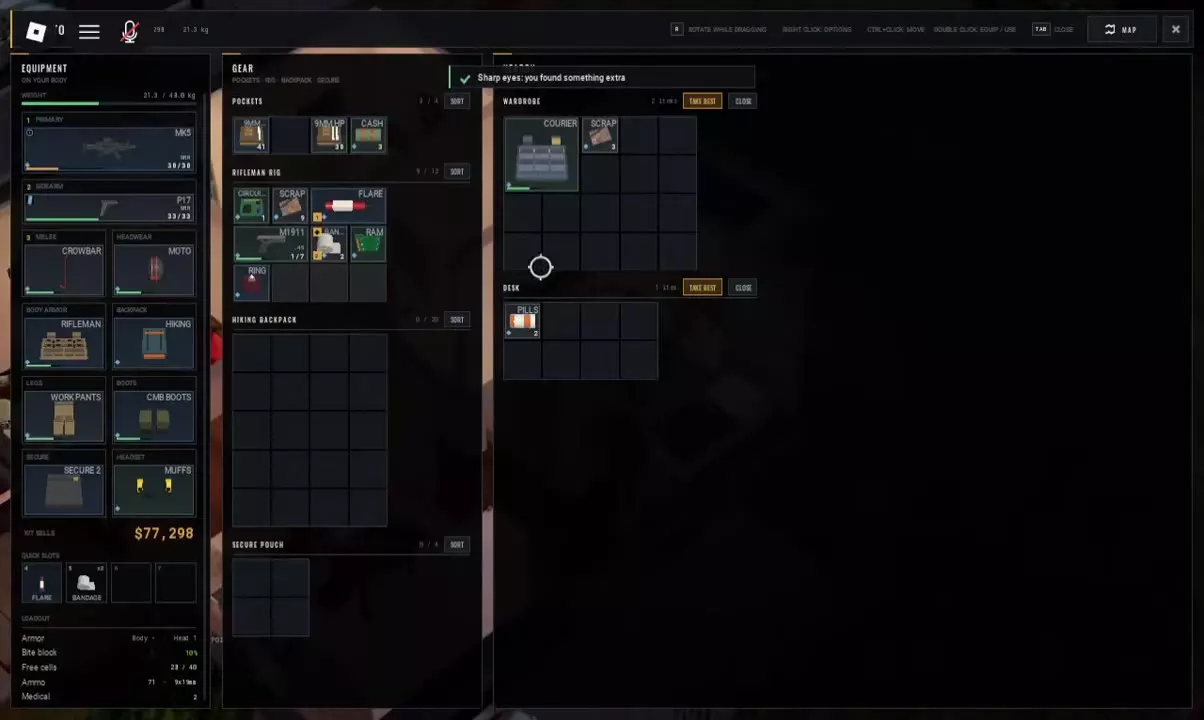
- Read the NEARBY panel. Check each container heading: a nearby Wardrobe and Desk can appear together, with separate loot grids.
- Transfer the items you want. Drag them into your inventory or use Ctrl-click to move them. Press R while dragging to rotate an item so it fits.
- Press Tab to close the inventory, then move to the next container.
Right-click an item to open its options. Double-click can equip or use an item, so use dragging or Ctrl-click when you only want to transfer it.
Choose Containers for the Supplies You Need
Choose your next search by what your run is missing:
- Medical supplies: prioritize Medicine Cabinets near residential bathrooms and Desks in bedrooms. These are leads for Bandages and Pills; Desks can contain Pills.
- Wearable equipment: check Wardrobes for items such as Courier Rig and Riot Leg Guards. Wardrobes can also hold Muffs, Scrap, and Rags.
- Ammunition and general supplies: check Cabinets for .45 FMJ, Scrap, Toolkit, Tape, Water, and Bottle. Water and Bottle are separate items.
- Tape: check Crates as well as Cabinets.
The seven-container directory below lists searchable furniture and its known contents. Treat those contents as possible finds, not guaranteed drops. Lockers are searchable; a Fridge search can also come back empty.
For what to keep and why, look up loot sources and practical uses. If you need to treat an injury immediately, see how to use Bandages and Pills.
Searchable Containers
 Crate
Crate
 Wardrobe
 Desk
Desk
 Locker
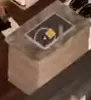 Cabinet
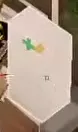 Medicine Cabinet
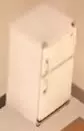 Fridge
-
Medicine Cabinet
- Observed setting
- Near a residential bathroom
- Observed search result
- Loot examples: Bandage and Pills, which can occupy quick slots. A searched cabinet displays Searched. (Residential Medicine Cabinet loot example.)
-
Desk
- Observed setting
- Indoors, including a residential bedroom
- Observed Pills stack
- 2 items (Desk loot-stack example.)
-
Wardrobe
- Observed setting
- Residential rooms, including bedrooms
- Observed contents
- Loot examples include Courier Rig, Scrap, Riot Leg Guards, Muffs, and Rags. (Possible contents across separate searches.)
-
Cabinet
- Observed setting
- Residential rooms and kitchens
- Observed Scrap stack
- 2 items (Residential Cabinet loot example.)3 items (Another residential Cabinet loot example.)
- Observed contents
- Toolkit, Tape, .45 FMJ, Water, and Bottle. (Cabinet loot examples; Water and Bottle are separate items.)
-
Crate
- Observed contents
- Tape and two white bottles with orange labels (Crate loot example.)
-
Locker
- Observed setting
- Indoors
- Interaction
- Search; Searched identifies an already searched Locker. (Press F for the selected Search action.)
-
Fridge
- Observed setting
- Residential kitchen
- Observed search result
- Empty (Empty Fridge search example.)
Plan a Residential Search Around Your Exit
- Choose an exit before extending your search. Open Town Map and check that you can meet the exit's requirements. Use the extraction points guide to compare locations and preparation needs.
- Search rooms that match your current needs. Head toward a bathroom's Medicine Cabinet or a bedroom Desk when short on medical supplies. Prioritize Wardrobes for equipment and Cabinets for ammunition or general supplies.
- Keep room for useful finds. Avoid filling every available space before reaching the containers you most need. Prioritize supplies needed for survival and your chosen exit; compare optional sale loot using its actual quote and value per inventory cell.
- Check the raid timer before entering another building. When time is running short, stop searching and head toward your exit rather than committing to another set of rooms.
Red landmark names on Town Map indicate more loot. Consider them when they fit your route and remaining time. Airdrops can also offer backpacks and armor; see airdrop loot and raid events for those opportunities. Neither is a reason to abandon an exit you can reach for a detour you cannot finish.
Understand Search Messages
| Message | Meaning and next action |
|---|---|
| Searched | The container has already been searched. This describes its search status; it does not mean every item has been taken. |
| Empty | The container has no items. Move on to another search target. |
| No space | The attempted transfer cannot fit in the destination inventory grid. Rearrange items, rotate the item, or move something to another storage area before trying again. Check for a continuous space of the right shape, not just a total number of empty cells. |
| Sharp eyes: you found something extra | The search produced an extra find. The notification does not identify which item is the extra one. |
The container panel also includes TAKE BEST and CLOSE buttons. If you want specific supplies, select those items directly rather than treating TAKE BEST as a highest-sale-value filter.
For persistent space problems or equipment changes, use the inventory organization guide.