
STILLWATER / FIELD GUIDE
HUSH Stillwater Map: Locations, Markers and Waypoints
Last updated:
Stillwater’s Town Map shows your position, squadmates, landmarks and marked exits. Use it to find the Hospital, check a task’s location hint and give your squad a destination to follow.
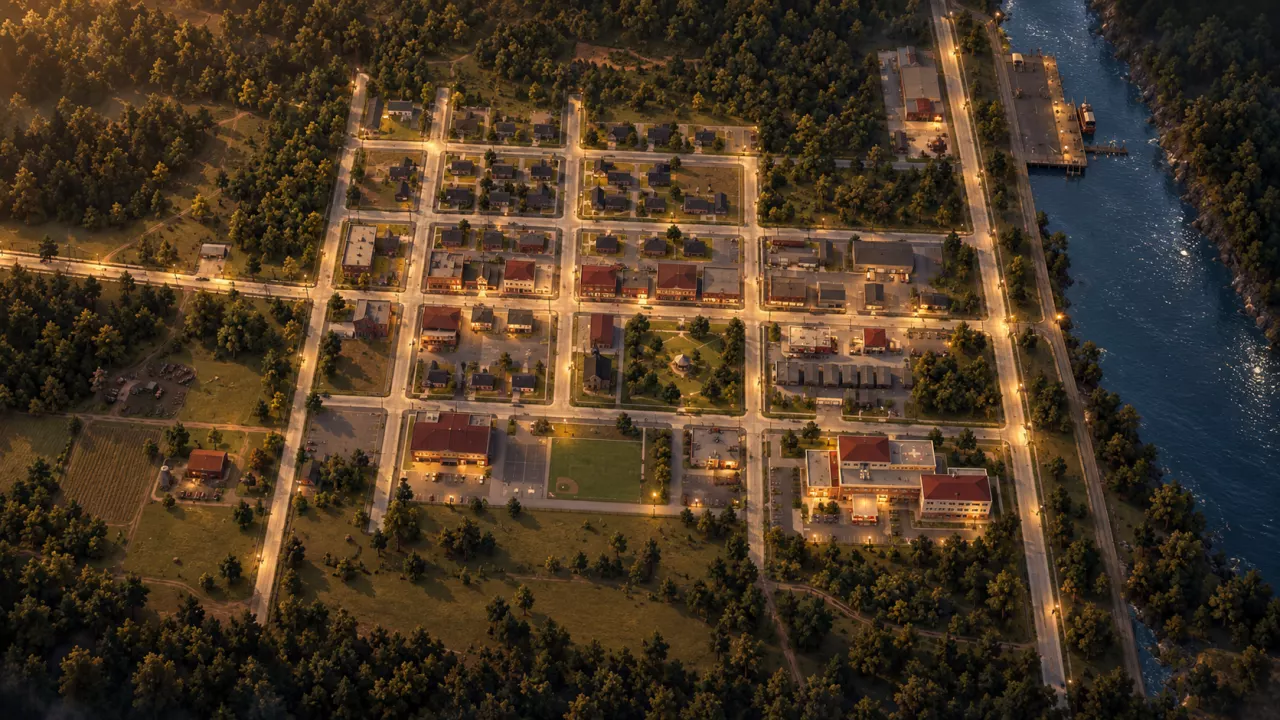
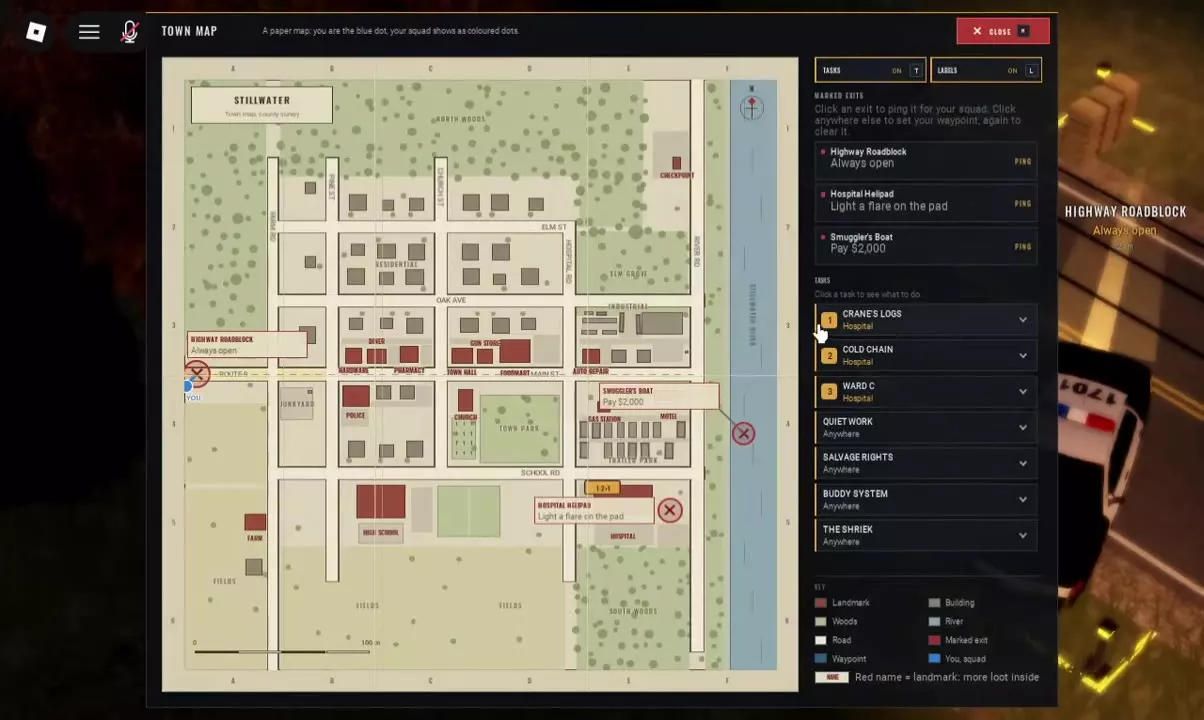
Press M during a raid to open the map and find your blue dot. The Hospital is in the southeast, Route 9 is on the west side, and Smuggler’s Boat is beside the eastern river. Click an exit to ping it, or click an empty map location to set a shared waypoint; click again to clear it. Close the map and follow the indicator. With the map open, T toggles Tasks and L toggles Labels.
Orient Yourself in Stillwater
Use these landmarks to place your destination relative to your current position:
- West — Route 9: Highway Roadblock is on the western side of town, on Route 9.
- Southeast — Hospital: Find the Hospital in the lower-right part of the map. Hospital Helipad is the extraction point at this landmark.
- East — river: The river runs along the eastern edge of the map. Smuggler’s Boat is beside it.
Before heading toward an exit, read its condition under Marked Exits. Highway Roadblock is always open; Hospital Helipad requires lighting a flare on the pad; Smuggler’s Boat requires a payment of 2,000 Cash. Use the extraction points guide to choose an exit that fits your location and supplies.
Read the Map Symbols
Press M during a Stillwater raid to open the Town Map.
- Blue dot: your current position.
- Colored dots with rings: your squadmates’ positions.
- Red place names: landmarks with more loot inside.
Use the player and squad markers to check where everyone is before choosing a shared destination. Red names identify places worth searching; they do not pinpoint a particular item’s spawn. If you need specific supplies, use the container and looting guide to decide what to search once you arrive.
Set, Follow and Clear Waypoints
- Open the Town Map with M and choose your destination.
- For an extraction point, click its entry under Marked Exits to ping it for your squad. For a custom destination, click an empty location on the map to place a waypoint visible to your squad.
- Close the map and follow the waypoint’s directional indicator.
- To clear a custom waypoint, reopen the map and click again.
For a Hospital trip, place your custom waypoint toward the southeast Hospital landmark. For an exit trip, use the named exit entry so your squad can see which extraction point you intend to reach. See co-op squad setup for the invite and public squad controls.
Show Tasks and Find the Hospital
- With the map open, press T to show or hide Tasks. Press L to toggle map Labels.
- Read the location hint beside your task, then click the task to view its requirements.
- If the hint says Hospital, find the Hospital in southeastern Stillwater and set a waypoint toward it.
Crane’s Logs, Cold Chain and Ward C carry the Hospital location hint. Anywhere means the task list does not point you to a specific landmark. Read the task’s requirements to determine what you actually need to do; the location label alone is not the objective.
Use the HUSH task list for the named tasks, known objectives and unlock requirements.